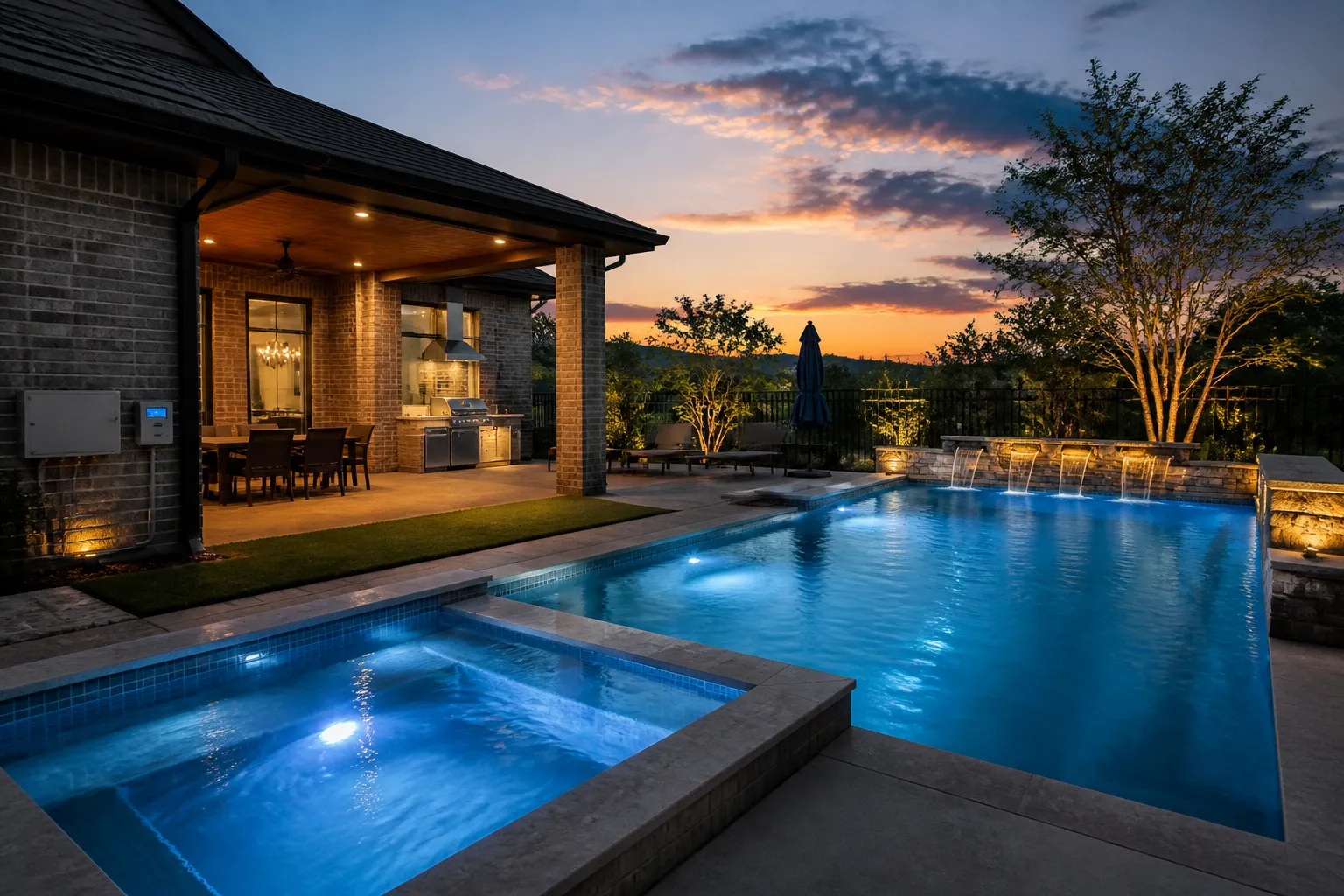
Pool automation is most valuable when it removes small, repetitive tasks from your routine without making the system difficult to understand. A well-planned controller can bring compatible pumps, lights, heaters, valves, spas, and water features into one convenient interface. For homeowners in the Fulshear and Katy area, automation can also make it easier to adapt a pool schedule as seasons, temperatures, and family routines change.
Start with the tasks you repeat most often
Before choosing a controller, think through a typical week of pool ownership. Do you regularly change the pump schedule? Turn lights on before guests arrive? Switch from pool mode to spa mode? Adjust a heater or water feature? The functions you use most are usually the strongest candidates for automation.
There is no need to automate every possible feature. A practical system should make common actions quick while leaving clear manual access when it is needed. Identifying priorities first also helps prevent paying for capacity that does not improve the way you use the pool.
Useful upgrades to consider
Automation options vary with the equipment already installed, but several upgrades can make day-to-day ownership simpler:
- Scheduled circulation: Set pump run times around pool use, weather, and equipment guidance instead of changing them manually every day.
- Lighting control: Create simple on, off, or scene settings for pool, spa, and landscape lighting.
- Pool and spa transitions: Coordinate valves, pump settings, and heating functions when moving between modes on a combination pool and spa.
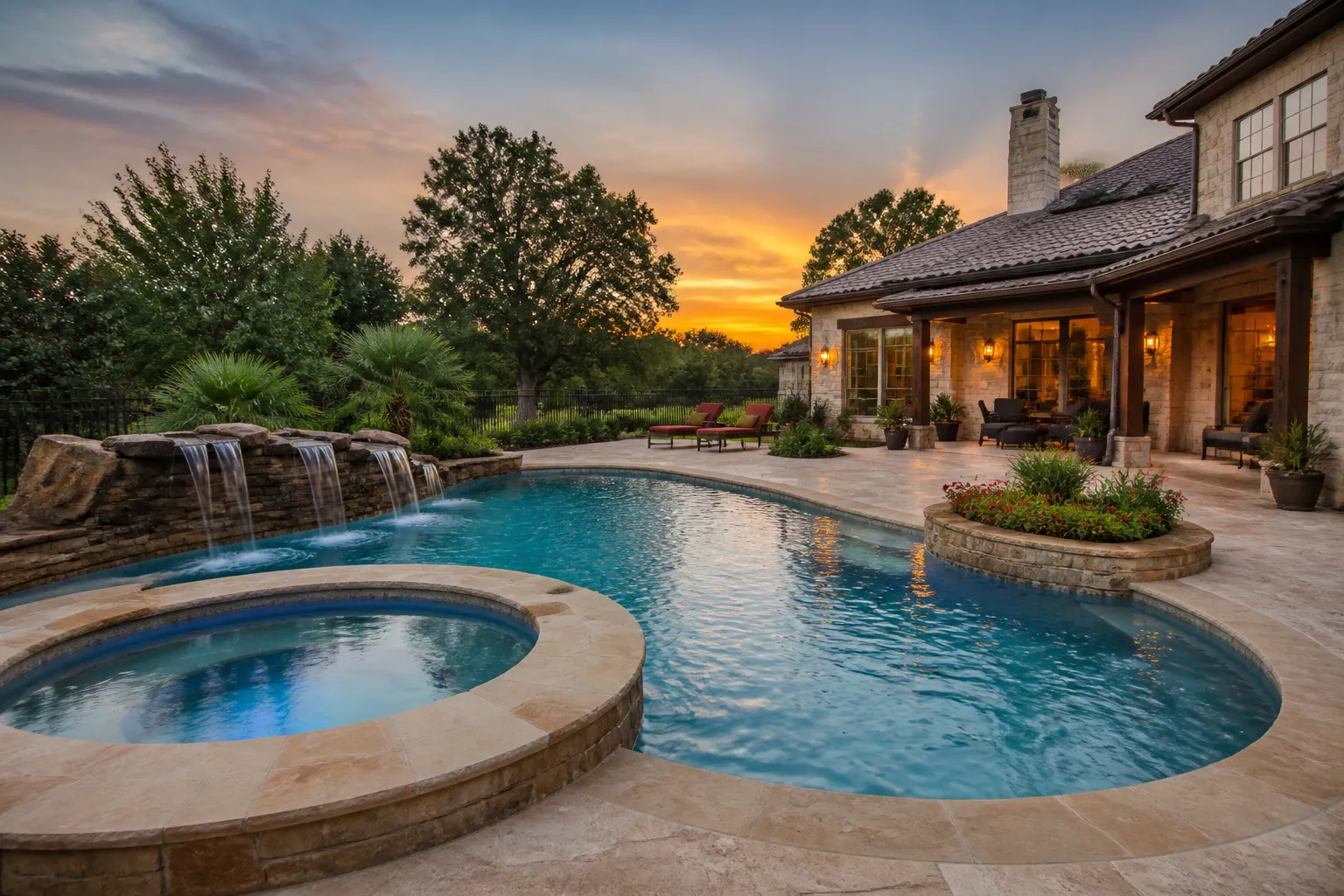
- Water-feature control: Turn waterfalls, bubblers, or other compatible features on only when you want to enjoy them.
- Remote access: Check settings or make routine adjustments from a phone or tablet when the selected system supports it.
Compatibility comes before convenience
Not every pump, heater, light, salt system, or valve actuator communicates with every controller. An equipment review should confirm model compatibility, wiring needs, valve configuration, electrical capacity, and any existing automation hardware. In some cases, one component can be integrated while another needs a separate control or a later upgrade.
It is also important to distinguish between remote monitoring and full control. Some systems provide alerts or basic scheduling, while others coordinate several pieces of equipment. A site-specific recommendation helps match the controller to your pool rather than forcing the pool to fit a product package.
Automation can support more consistent operation
Routine schedules can help maintain regular circulation and reduce forgotten adjustments. This is especially useful in long Texas summers, when water temperature, use, and evaporation can all increase the demands on a pool. Automation does not eliminate water testing or maintenance, but it can make equipment operation more predictable.
For example, a homeowner may schedule normal circulation, use a separate setting for an evening swim, and activate a water feature only for entertaining. The goal is not to add more screens or settings. It is to make the pool easier to operate for everyone who uses it.
Plan for a system that stays understandable
Ask the installer to walk you through everyday controls, manual operation, notifications, and what happens after a power interruption. Keep a simple record of equipment models, app access instructions, and routine settings. If several household members use the pool, make sure they know the basics before an urgent weather change or maintenance visit.
Automation upgrades are often a good fit during a renovation or equipment replacement because wiring, valves, and controls can be reviewed together. Fulshear Custom Pools can help homeowners compare practical automation options and plan a setup that supports their pool, spa, lighting, and water features without unnecessary complexity.